Origin AI Workshop
Generate images and style variants in Eagle, or tag, rename, and organize items with natural language. Needs internet; full features need an account and Origin AI credits.
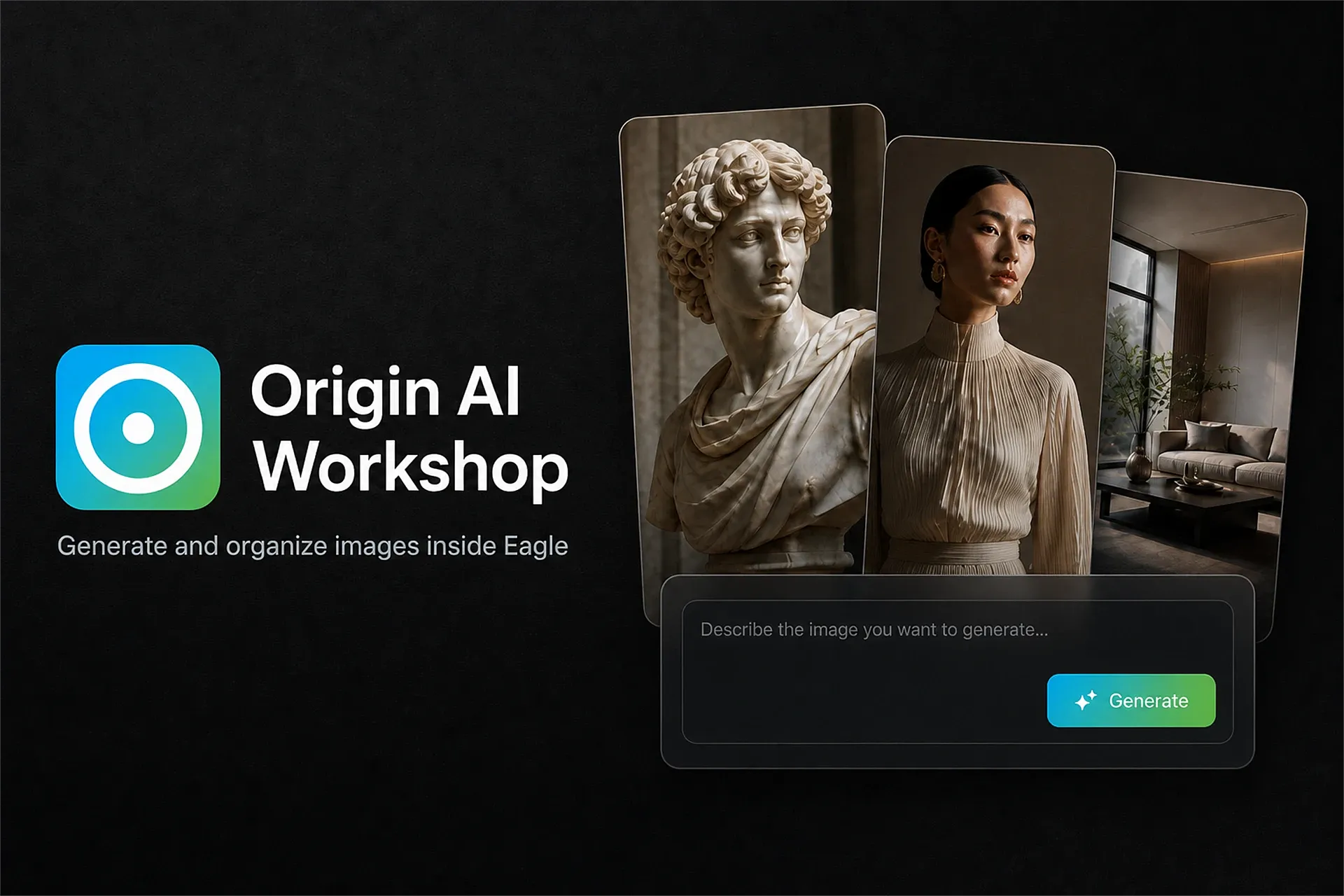
Origin AI Workshop brings image generation, style variants, and library tools into Eagle. Enter a prompt to generate images, use a selected image as a reference, or open edit, upscale, and cutout pages from the inspector. Results import as new files into an Origin AI folder; reference originals are not overwritten.
Get started
Open Origin AI Workshop in the right-hand inspector. Selecting a JPG / PNG / WebP is the usual way to open the inspector; text-to-image does not require a reference. Enter a prompt and click Generate in the inspector to send the mode and prompt to the studio; click Generate in the studio to start. Adding a reference switches to image-to-image; switching back asks before clearing references.
This plugin runs through the inspector and a background service. Read the first-run network and data notice, then continue.
Guests can try Gemini 1K image generation three times. Full features require a geminiplugin.com account and Origin AI credits.
Enter a prompt and generate, or open Origin Agent and ask in natural language to organize your library. Analyze / plan requests do not write the library.
Library organize
Origin Agent can add tags, rename items and folders, create folders, and change folder membership. The scope may include selected items, items in the selected folder, recent items, or untagged items — not only the image currently shown in the inspector. These actions change existing library data. Before running, the plugin resolves and freezes the actual targets, shows names, counts, and a change preview in the confirm dialog, then applies only confirmed items and rejects IDs outside that set.
Network and data
Requires Eagle 4.0 or later and an internet connection. Generation and editing send prompts and reference images to https://api.geminiplugin.com. Email-and-password sign-in also sends email and password to that service.
Origin Agent sends the chat, optional thumbnails, and library metadata it reads to https://api.geminiplugin.com/v1/agent/chat/completions, which forwards them to Moonshot AI (Kimi). Metadata includes identifiers, names, formats, tags, dimensions, note summaries, and folder information. The read scope may cover selected items, the selected folder, recent items, or untagged items. This data leaves your device; it is not processed only locally.
Account and pricing
Guests can try Gemini 1K three times. Full features spend Origin AI credits. Subscribe or top up at https://www.geminiplugin.com/pricing . The Eagle and Photoshop editions share the same Origin AI account and credits. The pricing page currently uses Photoshop-oriented copy.
Credits: Agent credits and image credits are billed separately and do not consume each other. Opening an organize or ask job costs 1 Agent credit. Confirm-execute and next-batch do not charge again inside the current slice. A new target or chat is a new job. Image credits are deducted only when images are actually generated. If the server is not upgraded, confirm-execute may still cost 1 more credit; the plugin will say so.
Privacy policy: https://www.geminiplugin.com/privacy
Support: [email protected]
Initial release. Open the studio from the inspector to generate images, make style variants, and edit / upscale / cutout. Origin Agent can tag and organize. Inspector Generate only sends the prompt and settings to the studio; generation starts after you confirm there. Chat deletion and library edits ask for confirmation of the actual targets first. Guest trial and website account sign-in. Results import as new files in an Origin AI folder; originals are not overwritten.
You may also like