Bento Grid
Generate polished bento-grid collages from your selected images and export them as high-resolution PNGs.
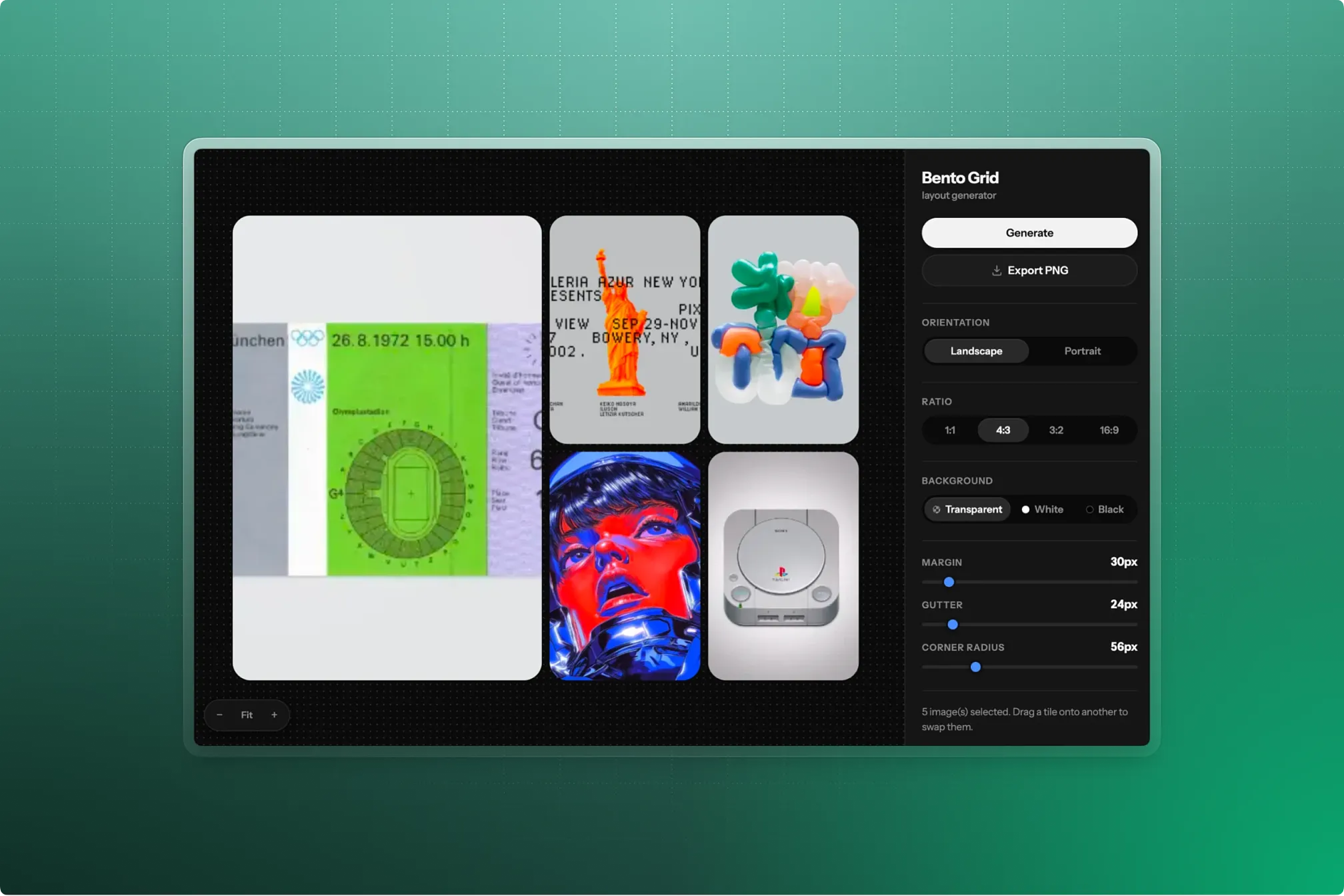
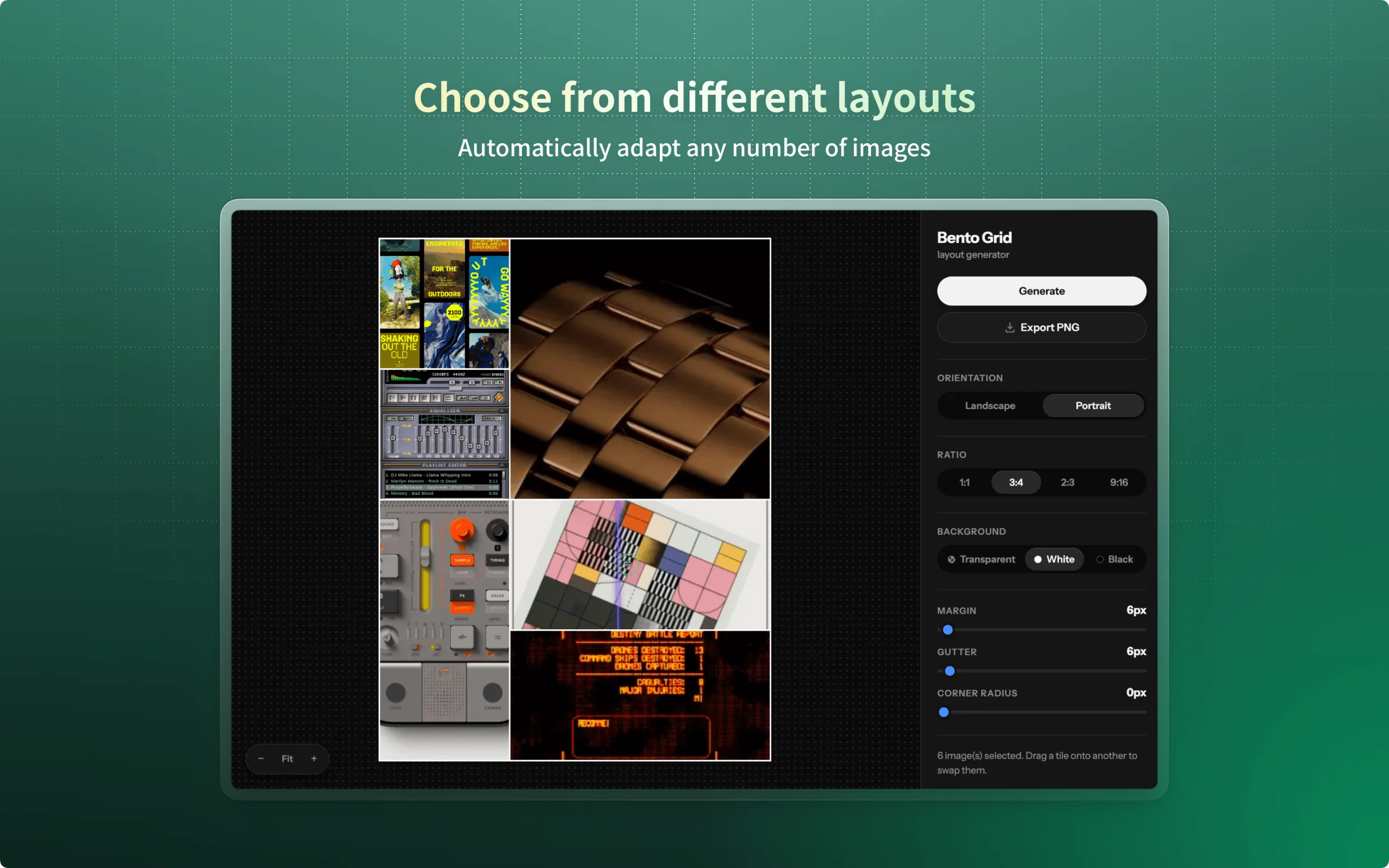
Bento Grid turns a batch of selected images into a clean, asymmetric grid layout — the kind of mosaic collage you'd normally hand-build in a design tool — directly inside Eagle.
- Select any number of images and click Generate — Bento Grid automatically arranges them into a balanced grid, switching to a wider layout once you have six or more images.
- Drag any tile onto another to swap their positions and fine-tune the composition.
- Choose landscape or portrait orientation and an aspect ratio (1:1, 4:3, 3:2, 16:9).
- Adjust margin, gutter, and corner radius with live-updating sliders.
- Set the canvas background to transparent, white, or black.
- Zoom and pan the canvas — Fit to window, step zoom, or scroll to zoom.
- Export a high-resolution PNG (2000px on the long edge) that matches exactly what's shown in the preview.
v1.0.0
2026-09-01
Initial release:
- Auto-generate bento-style grid layouts from selected images
- Landscape/portrait orientation, four aspect ratios
- Adjustable margin, gutter, and corner radius
- Transparent, white, or black canvas background
- Drag tiles to swap and rearrange
- Zoom/pan preview with Fit, manual, and scroll-to-zoom
- Export to a full-resolution PNG