50+ OG Image Examples: Real Social Previews by Site Type
50+ OG Image Examples: Real Social Previews by Site Type
 Edit
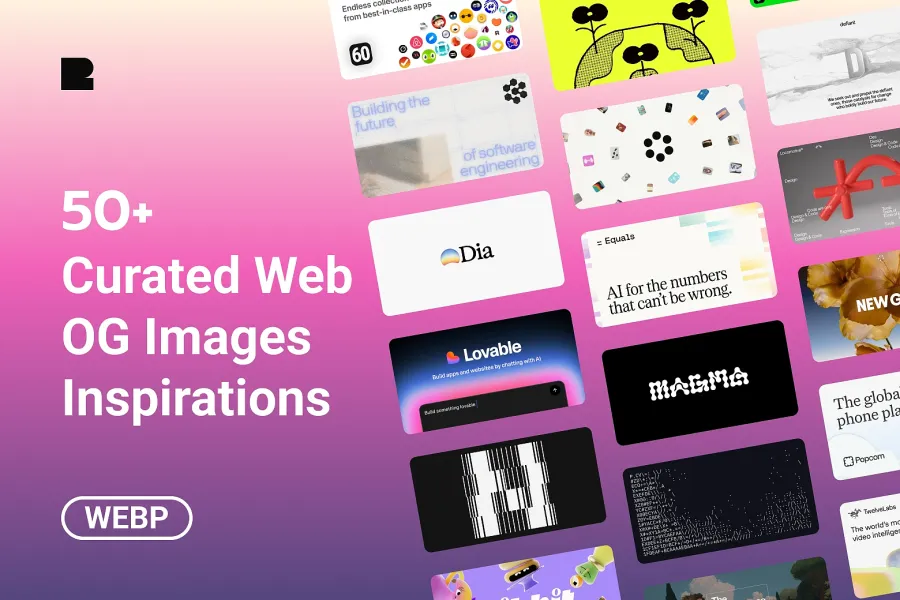
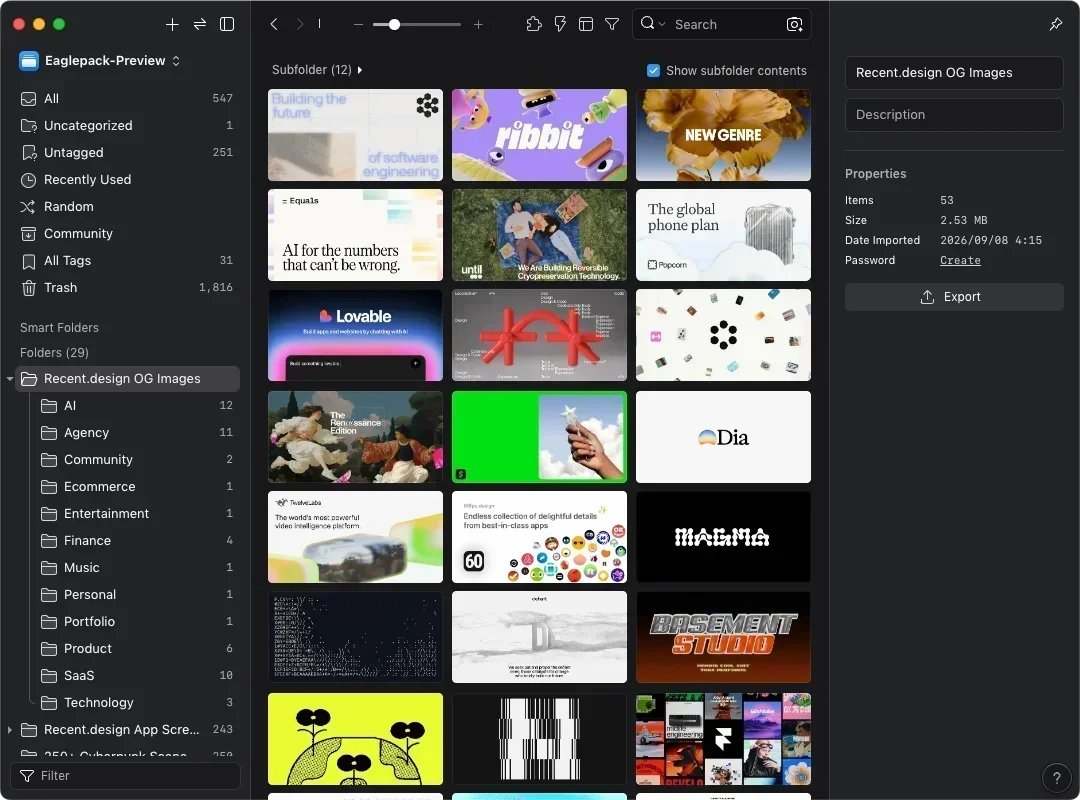
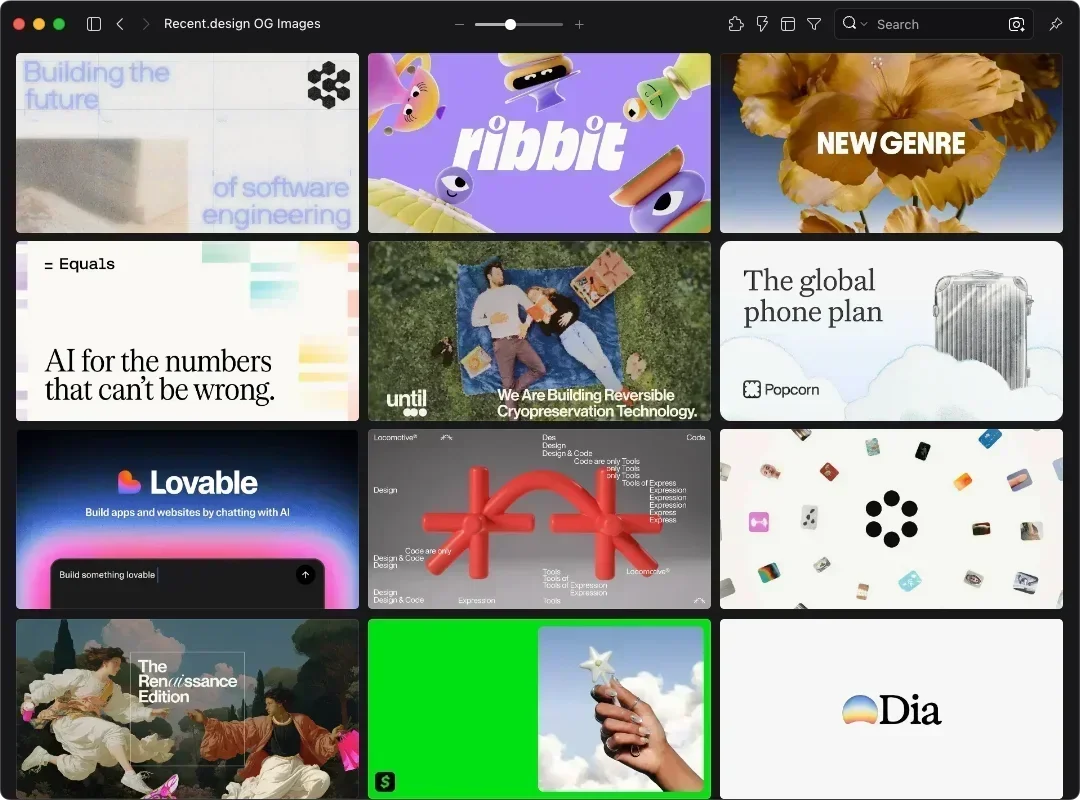
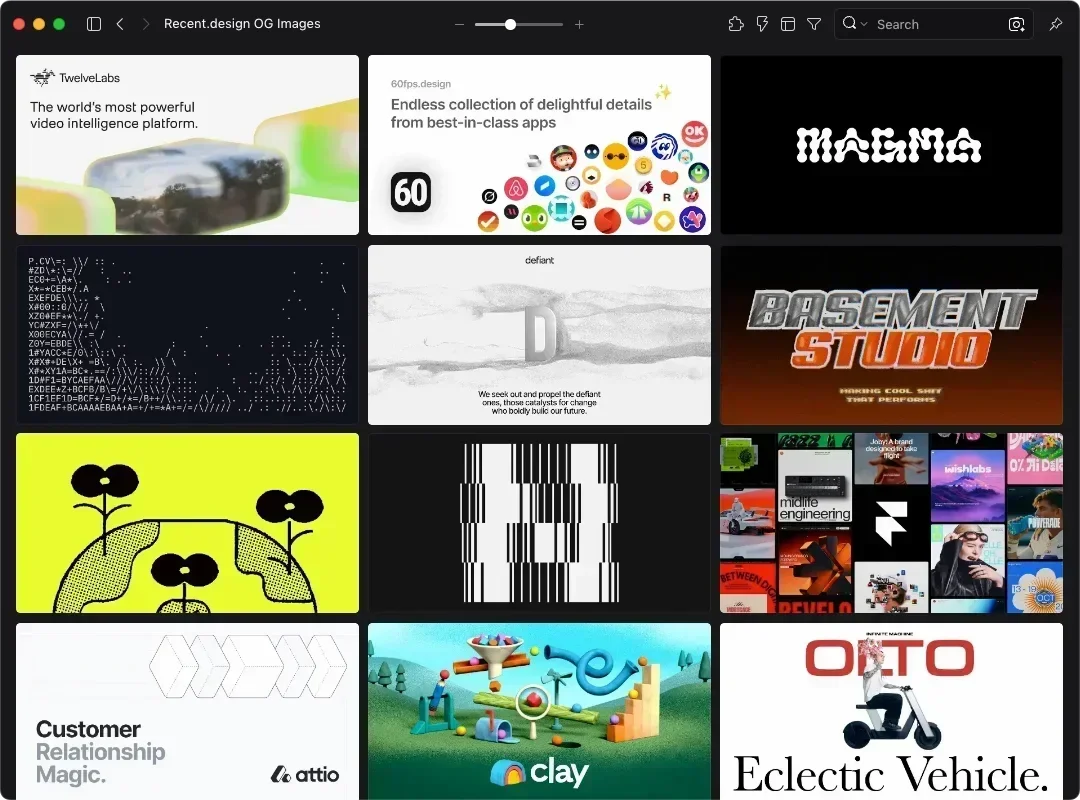
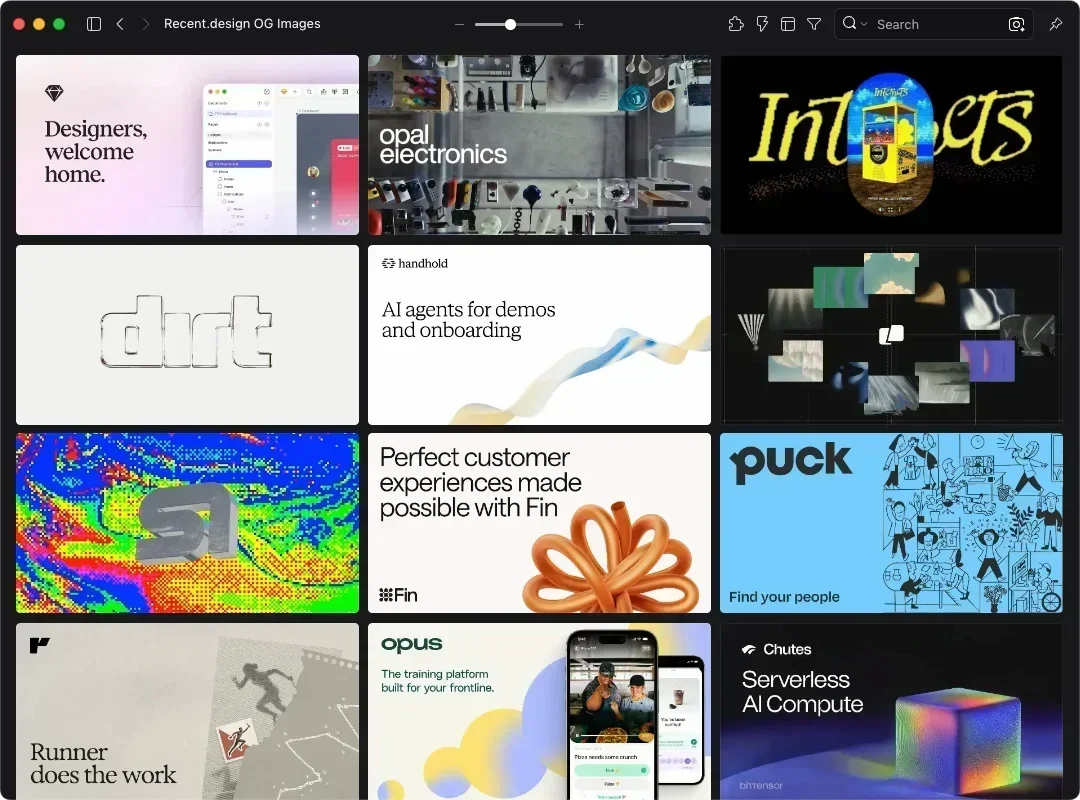
Edit53 OG images from live sites, sorted into 12 site types like AI, SaaS, and Portfolio. Import into Eagle to compare layouts side by side. Reference only.

This eaglepack brings together 53 OG images (Open Graph images) from Recent, all taken from live websites. They're saved as WebP and sorted into folders by site type. For design reference only.
When someone shares your link in Slack or Threads, the OG image is the first thing they see. It's also often the last thing made before launch. Finding references usually means pasting URLs into a preview tool one at a time, so comparing several at once is hard. This pack puts 53 live OG images in one place. Import it into Eagle and you can lay them out side by side.
Background
Recent is a design curation site covering websites, app screenshots, app icons, and OG images. Its OG Images section sorts examples into 12 site types, including AI, Agency, SaaS, Ecommerce, Portfolio, and Finance.
Key Features
- Pulled from live sites, so you see how real products place brand, headline, and visuals
- Sorted into Recent's 12 site types, from AI and SaaS to portfolios and finance
Can You Use These OG Images Commercially?
No. These 53 OG images are for design reference only, and copyright stays with each site's owner. You can't use them directly or modify them for your own projects. What you can do is study the layout. See how a SaaS site splits space between its product name and a UI screenshot, then use a similar layout in your own design.
What Are These OG Images Best Used For?
Once imported into Eagle, you can browse and compare them right away.
- Before launch, pull up examples from the same site type to see whether most use product screenshots, text-only headlines, or brand illustrations
- When building an OG template for a blog or changelog, check how other sites handle headline size, white space, and logo placement
OG images and banner ads share a layout problem: fitting a brand mark, a headline, and a focal visual into a fixed frame. If you design display ads or social banners, these examples work as layout references too.
You may also like