GIF Studio
Convert videos to GIFs inside Eagle — 69 effects, captions, chroma key, and a preview before you encode.
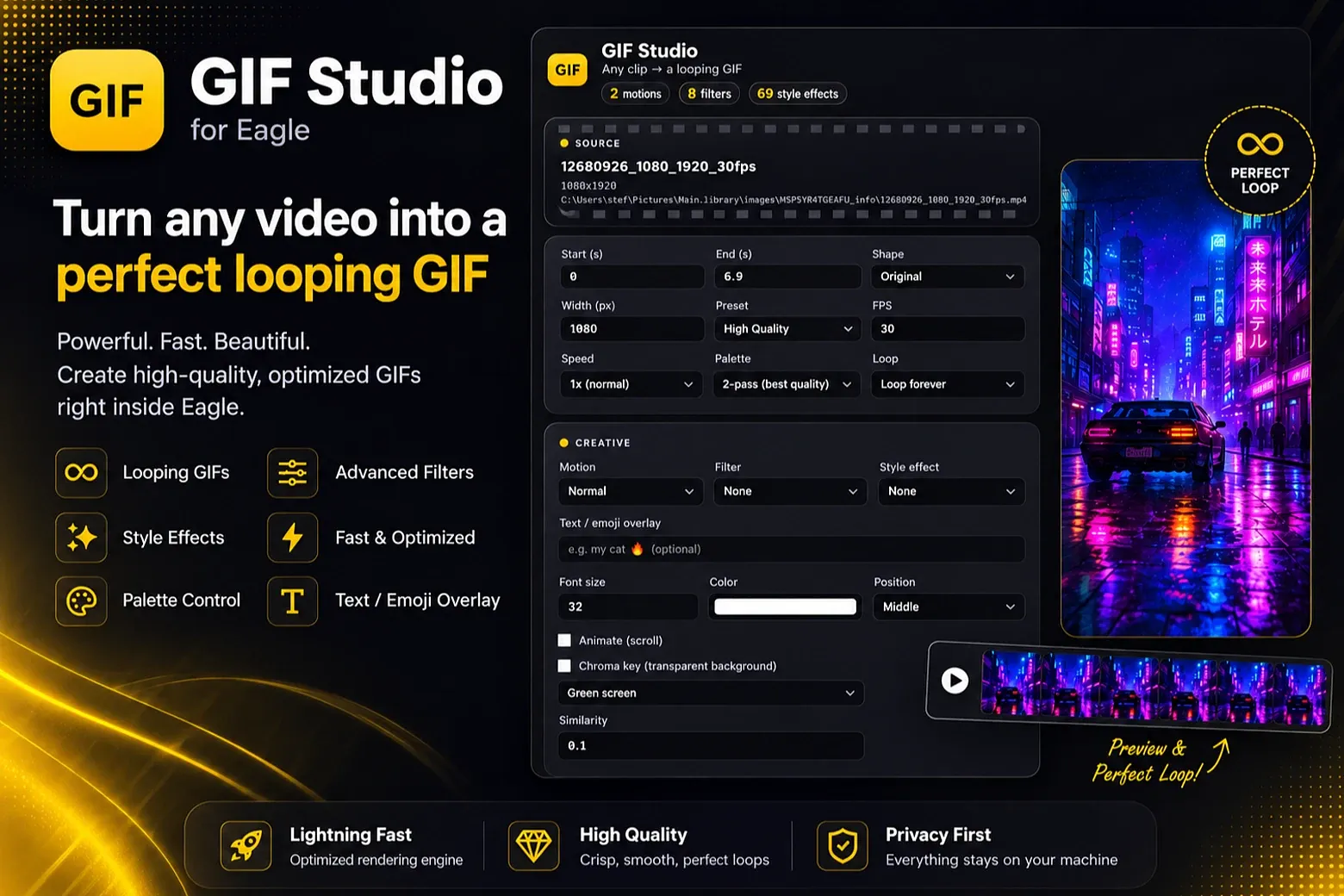
GIF Studio
Eagle plugin that turns any video in your library into a looping GIF.
**Highlights**
- 69 one-click style effects, plus filters and motion modes (normal / reverse / boomerang)
- Caption & emoji overlays, and chroma key for transparent GIFs
- Low-res preview before the full encode, so you can tweak settings fast
- Two-pass palette for best quality, or 1-pass for speed
- Output auto-imports back into your Eagle library, next to the source video
**How to use**
1. Select one or more videos in Eagle, then open GIF Studio.
2. If several videos are selected, choose the one you want to convert from the dropdown.
3. Adjust the clip range, dimensions, effects, captions, and other output settings as needed.
4. Click **Convert to GIF** to generate a low-resolution preview.
5. On the preview screen, click **Convert to GIF** again to confirm and start the full encode, or click **Edit settings** to tweak and preview again.
**Install**
Needs Eagle 4.0 beta 7+ and the FFmpeg dependency plugin. If the FFmpeg dependency is not installed, follow the prompt inside the plugin to install it.
All conversion runs locally and does not modify the source video. Completed GIFs are automatically added to Eagle in the same folder as their source videos.
Initial release.
You may also like